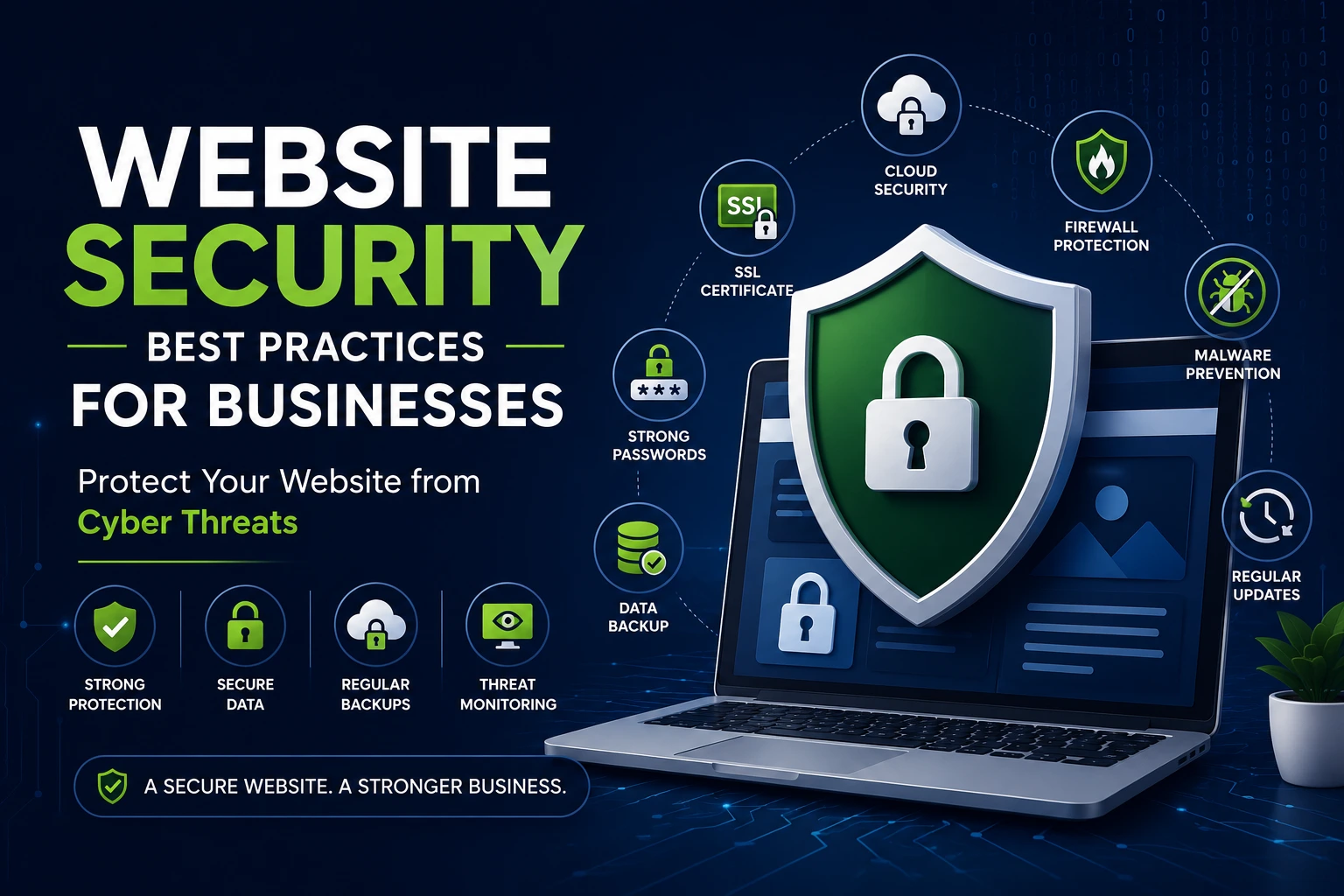
Every Business Website Needs Strong Security
A business website is one of your most valuable digital assets. However, without proper website security for business, it can quickly become a target for hackers, malware, spam, and data breaches. Cyberattacks can lead to lost revenue, damaged customer trust, lower Google rankings, and costly downtime.
Whether you run a WordPress website, a Shopify store, or a custom-built platform, investing in website security is no longer optional—it’s essential. In this guide, you’ll discover the most effective website security best practices that help protect your business and keep your website running smoothly.
Why Website Security Matters for Businesses
A compromised website affects more than just your files. It can impact your reputation, customer confidence, and search engine visibility.
A secure website helps you:
- Protect customer information
- Prevent malware infections
- Avoid costly downtime
- Improve SEO performance
- Build trust with visitors
- Maintain business continuity
Google also considers website security when evaluating website quality. Secure websites provide a better user experience and are less likely to be flagged as unsafe.
Use HTTPS and an SSL Certificate
One of the first steps in website security for business is installing an SSL certificate.
HTTPS encrypts communication between your website and visitors, protecting sensitive information such as login credentials and payment details.
Benefits include:
- Secure data transmission
- Better customer trust
- Improved SEO
- Browser security indicators
Never launch a business website without HTTPS enabled.
Keep WordPress, Themes, and Plugins Updated
Outdated software is one of the biggest reasons websites get hacked.
If you use WordPress, regular updates are critical because developers constantly release security patches to fix vulnerabilities.
To improve WordPress security:
- Update WordPress regularly.
- Remove unused plugins.
- Delete inactive themes.
- Install updates as soon as they become available.
Using fewer, well-maintained plugins also reduces security risks.
Choose Reliable Hosting
Your hosting provider plays an important role in website malware prevention.
A quality hosting company should offer:
- Malware scanning
- Firewall protection
- Automatic backups
- Server monitoring
- DDoS protection
- Fast server performance
Cheap hosting often lacks these essential security features, making your website more vulnerable.
Use Strong Passwords and Two-Factor Authentication
Weak passwords are one of the easiest ways hackers gain access.
Protect your website by:
- Using unique passwords
- Enabling two-factor authentication (2FA)
- Limiting administrator accounts
- Avoiding password reuse
Adding an extra verification step significantly improves website security.
Install a Website Firewall
A Web Application Firewall (WAF) blocks malicious traffic before it reaches your website.
A firewall helps protect against:
- Brute force attacks
- SQL injection
- Cross-site scripting (XSS)
- Bot attacks
- Spam requests
This is one of the most effective website security best practices for businesses of every size.
Scan Your Website for Malware
Regular malware scans help identify security issues before they become serious problems.
Website malware prevention should include:
- Daily malware scans
- File integrity monitoring
- Security alerts
- Automatic threat detection
Early detection minimizes damage and reduces recovery time.
Schedule Automatic Backups
Even the most secure websites can experience unexpected issues.
Automatic backups ensure you can restore your website quickly if something goes wrong.
A good backup strategy includes:
- Daily backups
- Off-site storage
- One-click restoration
- Regular backup testing
Backups can save hours of work and prevent significant financial losses.
Limit User Access
Every team member should only have the permissions they need.
Reduce security risks by:
- Removing inactive users
- Limiting administrator access
- Reviewing permissions regularly
- Monitoring login activity
The fewer high-level accounts you have, the safer your website becomes.
Protect Against Spam and Bots
Automated bots can overload your website, submit spam forms, and attempt unauthorized logins.
Effective protection includes:
- CAPTCHA verification
- Spam filtering
- Login attempt limits
- Bot protection tools
- Firewall rules
Managing unwanted traffic helps improve both security and website performance.
Monitor Website Activity
Monitoring allows you to detect suspicious behavior before it becomes a major issue.
Track:
- Login attempts
- File changes
- Plugin installations
- Failed logins
- User activity
Activity logs make troubleshooting much easier if a security incident occurs.
Perform Regular Security Audits
Security is an ongoing process, not a one-time setup.
A website security audit should include:
- Plugin review
- Theme review
- Broken link checks
- Malware scans
- Performance testing
- SSL verification
- Backup verification
Monthly security audits help keep your website protected.
Common Website Security Mistakes
Many businesses unknowingly leave their websites vulnerable by making avoidable mistakes.
Common issues include:
- Using outdated plugins
- Weak passwords
- No backups
- Poor hosting
- Ignoring updates
- Installing too many plugins
- Skipping malware scans
Avoiding these mistakes greatly reduces your risk of cyberattacks.
Website Security Checklist
Use this checklist to strengthen your website security:
✔ Install an SSL certificate
✔ Keep WordPress updated
✔ Update plugins and themes
✔ Use strong passwords
✔ Enable two-factor authentication
✔ Install a firewall
✔ Schedule daily backups
✔ Scan for malware
✔ Limit administrator access
✔ Monitor website activity
✔ Choose secure hosting
✔ Perform monthly security audits
How Storak Digital Helps Secure Business Websites
At Storak Digital, we understand that website security is essential for business growth. We build secure WordPress, Shopify, and custom websites using industry best practices to help protect your business from cyber threats.
Our website security services include:
- WordPress security optimization
- Malware removal
- Website performance optimization
- Security monitoring
- Website maintenance
- Backup management
- SSL configuration
- Technical support
Whether you’re launching a new website or strengthening an existing one, our team ensures your website remains secure, fast, and reliable.
Final Thoughts
Strong website security for business protects your customers, your reputation, and your online success. By following these best practices, you can reduce the risk of cyberattacks, improve website performance, and create a safer experience for every visitor.
Security should be part of your long-term digital strategy—not just a response to problems after they happen. Investing in proactive protection today can save your business from significant losses tomorrow.
If you’re looking for expert help securing your WordPress, Shopify, or custom website, Storak Digital is ready to help you build a secure online presence.